
Slothy Terminal
Take it slow, ship it fast.
A GPU-accelerated macOS terminal for AI coding assistants.
Powered by libghostty with Metal rendering,
workspace-aware tabs, automation sidebars, a built-in Git client, and a syntax-highlighting file editor.
macOS 15.0+ · Apple Silicon
Latest features, built for real workflows
What is new in Slothy Terminal right now
GPU-Accelerated Terminal
Powered by libghostty with Metal rendering. The same terminal engine behind the Ghostty terminal app, with full IME support and native Ghostty config file compatibility.
Workspace-Aware Navigation
Group tabs by project root, switch between workspaces without losing running sessions, and keep the tab bar scoped to the project you are actively working on.
Claude CLI + OpenCode CLI Tabs
Run Claude CLI, OpenCode CLI, and plain shell sessions side-by-side in the same window —
each one a real PTY rendered by libghostty. Switch between tabs with
Cmd+1–9
without breaking flow.
Automation Sidebar
Scan the project root and scripts/
folder for Python and shell scripts, then insert relative paths straight into the active terminal.
Built-in File Editor
Double-click any file in the Files sidebar to open it in a real editor tab — STTextView
with tree-sitter syntax highlighting for Swift and Markdown. Dirty-state indicator in the tab,
save-confirmation toast, Cmd+S
/ Save As / Revert from the File menu. No leaving the window to fix a typo.
Prompts, Docs, and Activity Signals
Paste saved prompts from the sidebar, keep project docs like README.md
and CLAUDE.md close at hand,
and spot unseen terminal output with activity badges on inactive tabs.
Built-in Git Client
Browse repository history with a visual revision graph, view author stats and activity heatmaps, and inspect commit details without leaving the terminal window.
See it in action
Clean, focused, and ready for your AI workflows
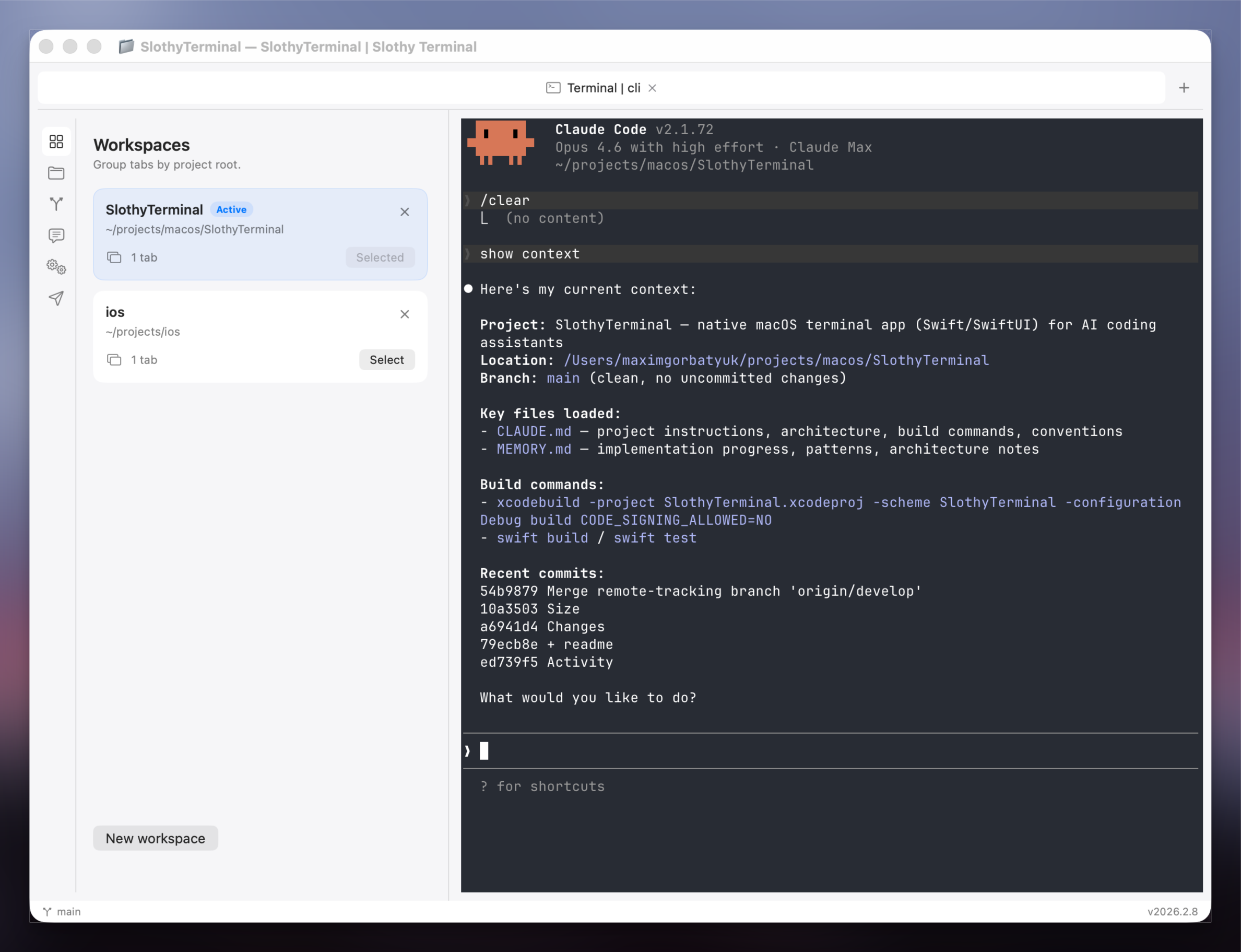
Workspaces with project-scoped tabs and sidebar navigation
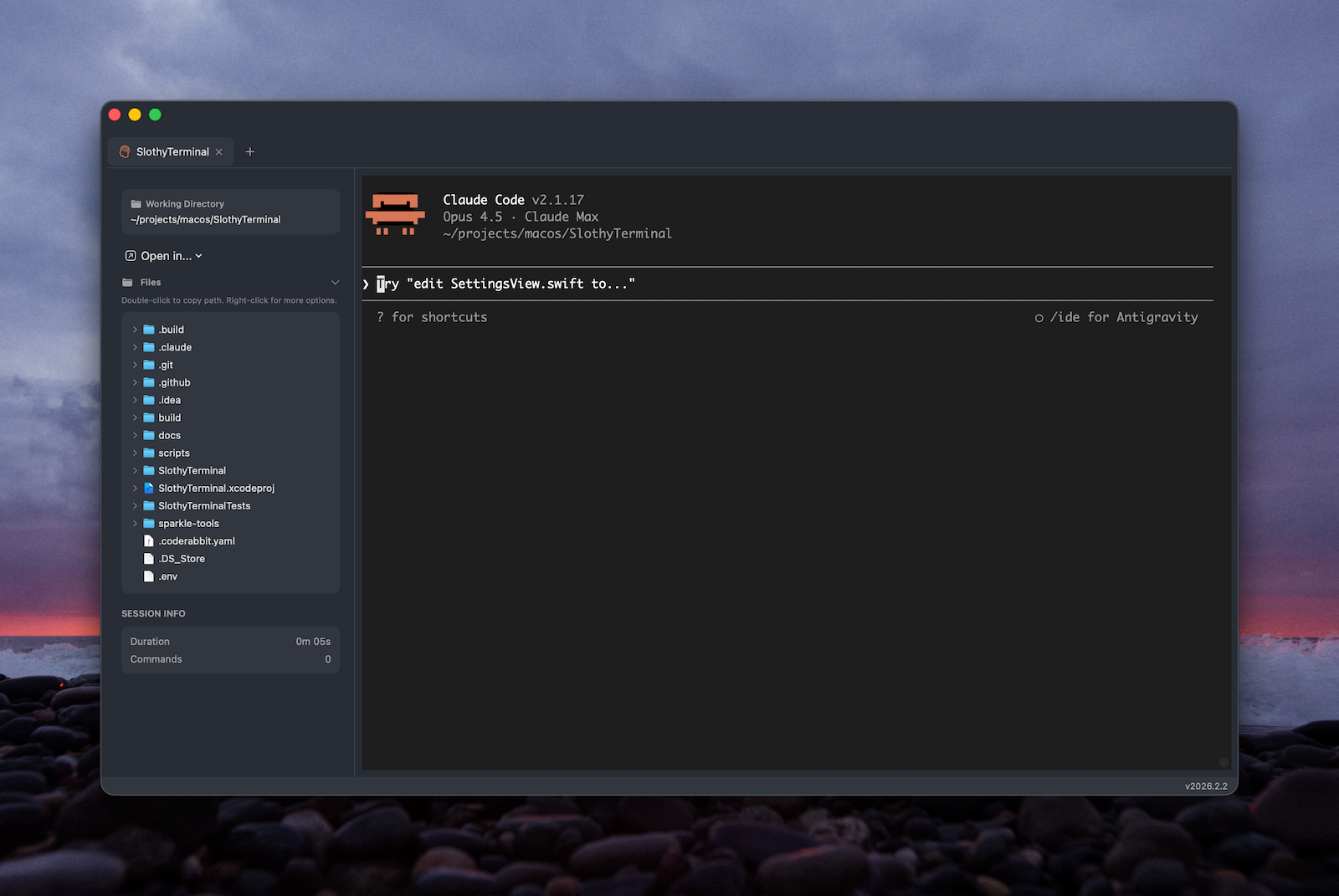
Claude terminal session inside the native app shell
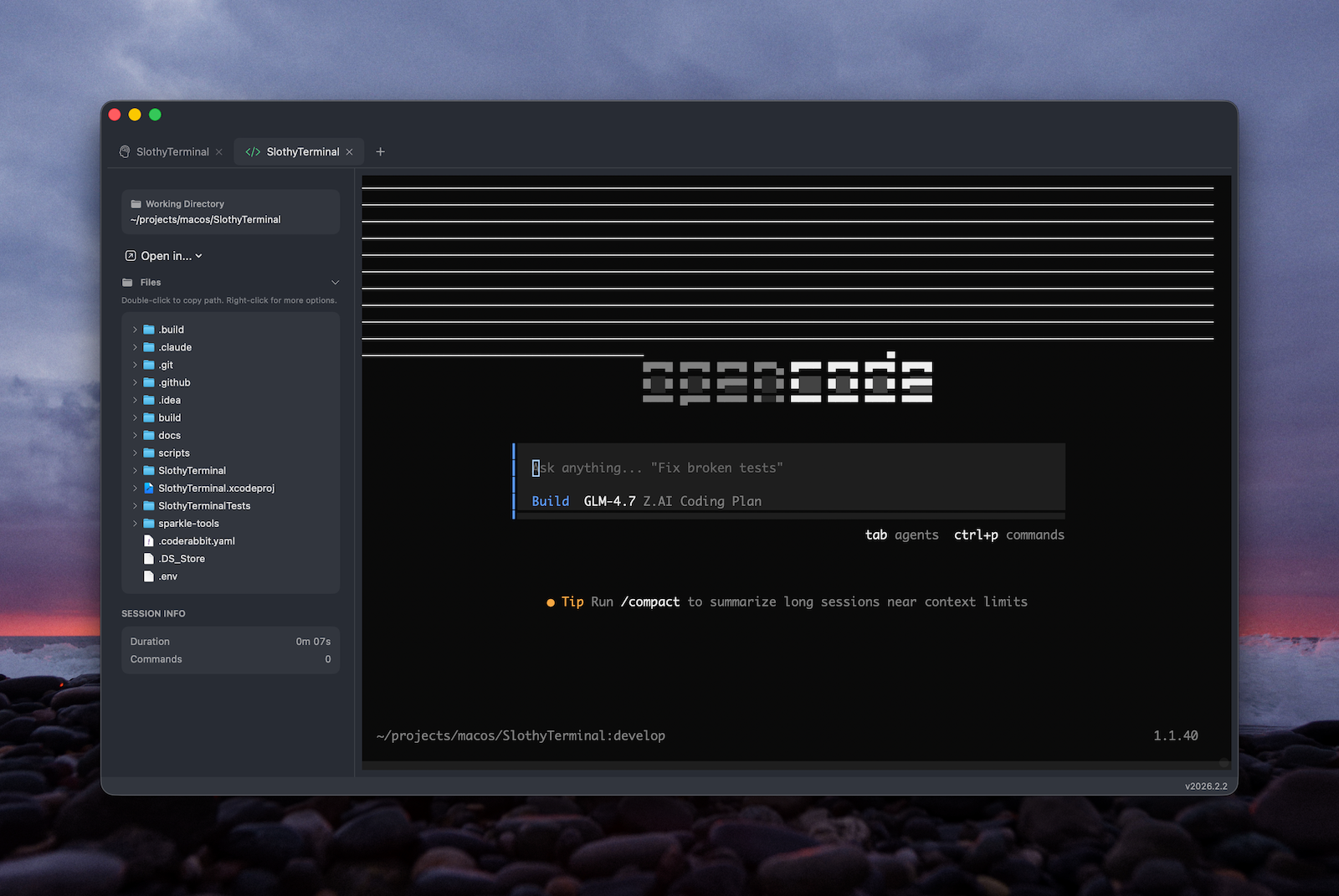
OpenCode session with the same shared workspace workflow
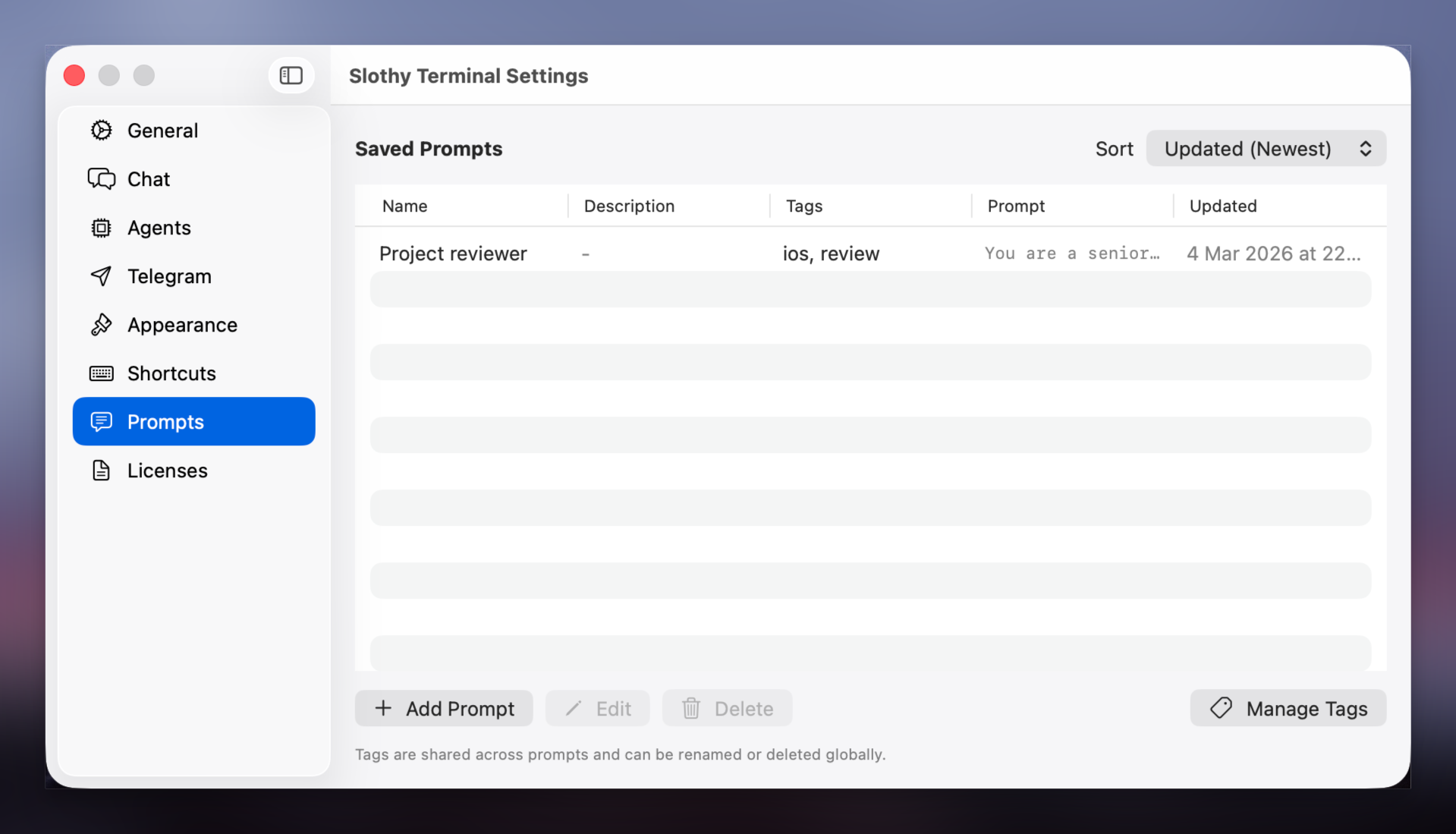
Settings and configuration options
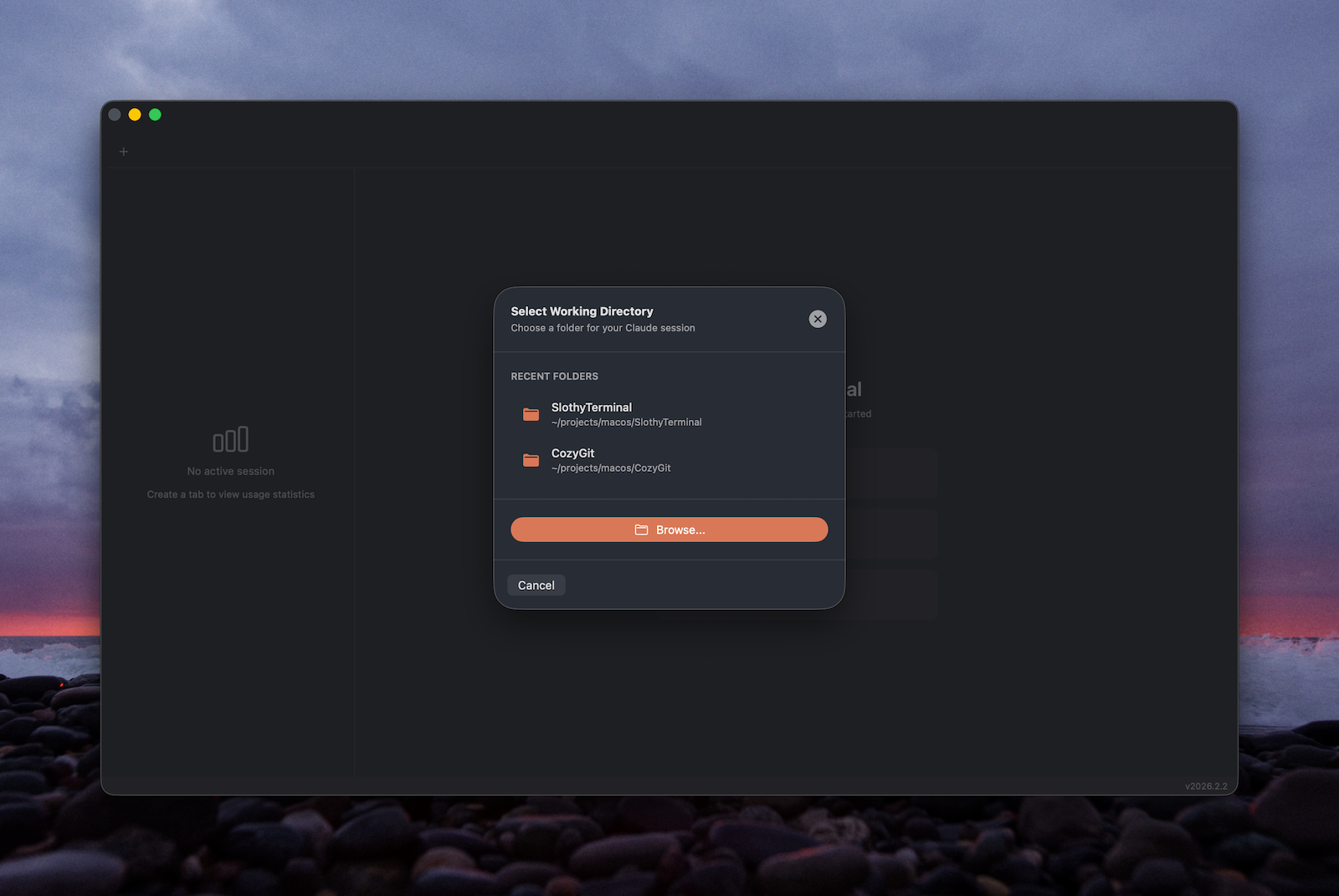
Choose the project folder that anchors a workspace
Get started in seconds
Download and run — it's that simple
Requirements
- macOS 15.0 (Sequoia) or later
- Apple Silicon Mac (M1 or later)
- Claude CLI or OpenCode installed for AI features